au2mator – Self Service Portal 5.1.4 released

Discover the exciting new features in au2mator Version 5.1.4! We’ve introduced Scoped Admins for tailored control, enhanced Maintenance Mode for Services, and improved filtering in My Request. Our evolving Asset Management now includes Asset Roles, new views, and reports, with a promise of a comprehensive Hardware Asset Management system coming in 5.1.5—available for free in the meantime! We’re grateful to our Customers and Partners for their invaluable feedback. Dive into the full release details and roadmap to see how au2mator can elevate your self-service experience. Don’t miss out—let us know your feature requests and start au2mating today!

au2mator is happy to release Version 5.1.4. We have added numerous features and fixed several bugs.

We would like to thank our Customers and Partners for their new ideas on improving the au2mator Self-Service Portal.

FEATURES

  • Scoped Admins
    • You can now create separate Admin Roles scoped to Automation Accounts and Service Groups
  • Maintenance Mode for Services
  • My Request – enhanced Filtering


  • Asset Management
    • Asset Management is evolving with Asset Roles, New Views and Reports, and better Api
    • We are still in Progress of a Full Hardware Asset Management system, and until it is finished with 5.1.5, it is free to use.


And many more…

Release Details

See the Full List here: au2mator – Release History : au2mator

See our actual Roadmap: au2mator – Self Service Portal Roadmap : au2mator

How to upgrade and special Upgrade Notes, take care: Install and Upgrade : au2mator

Miss something? Let us know! Feature Request

Have Fun and au2mate everything
au2mator- Self-Service Portal
Do more with au2mator!

Self-Service portal with three automation engines

Similar articles

au2mator – Self Service Portal 5.1.5 released

Discover the exciting new features in au2mator Version 5.1.5! After months of hard work, we’re thrilled to unveil our latest enhancements, including the launch of ...
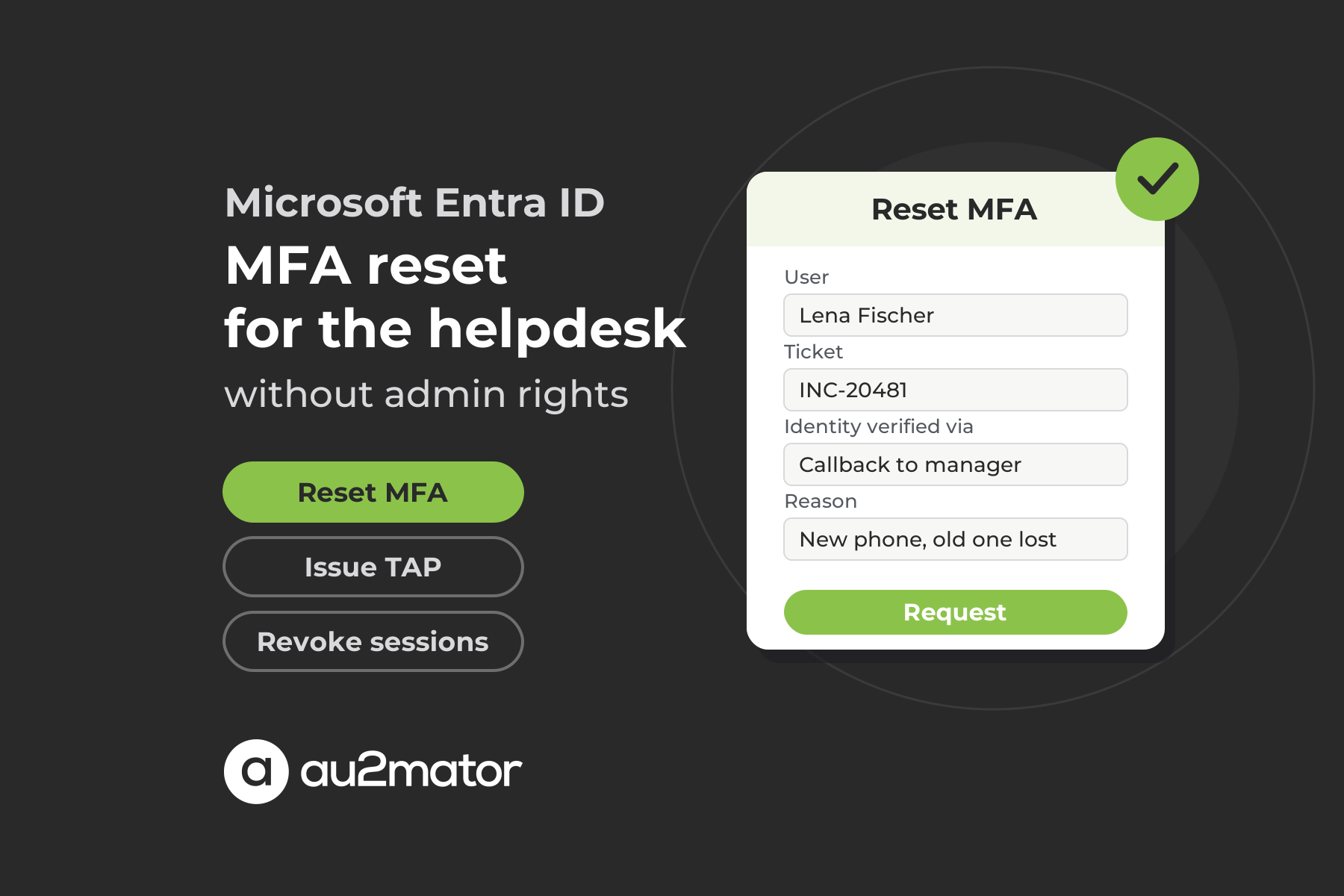
MFA reset in Microsoft Entra ID as a self-service request form for the helpdesk with identity check, without admin rights

MFA Reset in Microsoft Entra ID Delegated Securely to the Helpdesk

An MFA reset wipes a user's multifactor authentication methods so a new phone can be registered. In Microsoft Entra ID it is a daily helpdesk ...

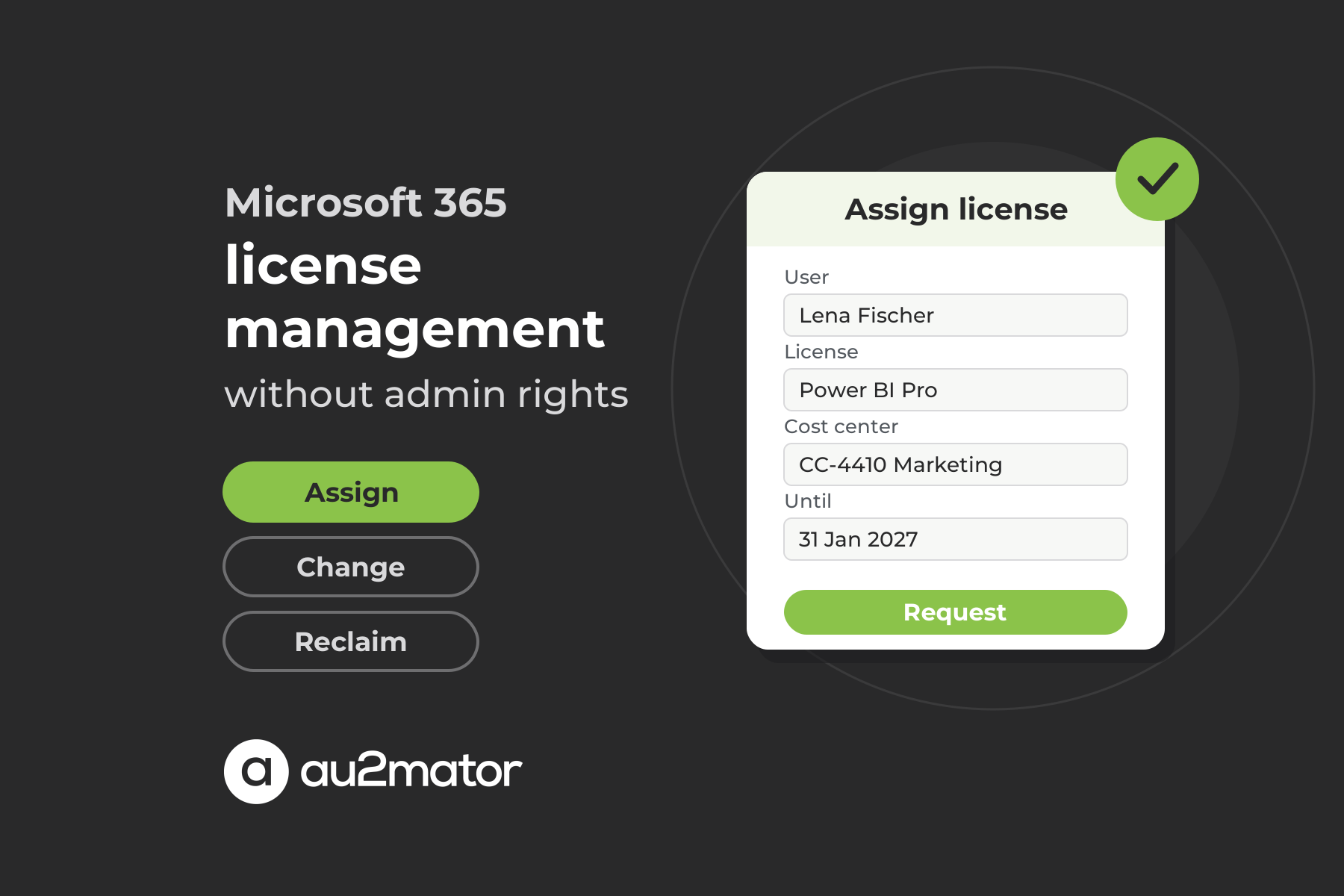
Microsoft 365 license management request form in the au2mator Self-Service Portal with Assign, Change and Reclaim actions

Microsoft 365 License Management with Automated Assignment and Removal

Every Microsoft 365 license is assigned by hand at some point. Joiners wait for a seat, team leads open tickets for Power BI, leavers keep ...

8 Ways to Screw Your Azure Automation