Most organisations allocate hardware costs once a year. Someone in IT opens a spreadsheet, reconstructs twelve months of device movements from memory and email, and sends a number to finance that nobody downstream can verify.
It works, in the sense that a number arrives. It does not work in any other sense — and the reason is not the calculation.
The calculation was never the hard part
Multiplying devices by a monthly rate is arithmetic. Three other things are what actually make hardware chargeback painful.
Only IT can see the numbers
Every cost centre owner who wants to know what their team’s hardware costs has to ask IT. Every answer costs somebody time, and the same question comes back next quarter.
Corrections arrive too late to matter
A laptop moved to another department in March. The spreadsheet finds out in December, if at all. By then three quarters are already allocated wrongly, and nobody is going to reopen them.
Nobody trusts a number they cannot check
A figure that appears once a year, from a system people have no access to, gets argued with rather than accepted. The discussion is never really about the rate. It is about whether the list is right.
Start with showback, not chargeback
Before anything moves between budgets, there is a much easier step: make the cost visible without transferring it.
Departments see what their hardware costs. Nothing is billed internally. And the conversations change immediately — about refresh cycles, about the three spare laptops in a drawer, about whether everybody really needs a docking station at two desks.
The mechanics are identical to full chargeback. Whether the figure ever crosses into your finance system is a business decision, not a technical one. If internal politics make chargeback a hard sell, showback gets you most of the value with none of the argument.
How it works in practice
1. Decide what things cost
Define a rate per device type and period: what a standard laptop costs per month, a dual-monitor setup, a company phone. You do not need to be precise on day one. Most organisations start with a handful of categories and refine once the first run produces something concrete to discuss.
2. Point each charge at a target
Costs are allocated to a cost centre, a location or a company — whichever matches how your organisation is actually structured. The allocation is resolved from your asset data, and the source of that answer is recorded alongside it, so you can see later why a device landed where it did.
3. Exclude what should never be charged
Loan pool devices, test hardware, demo equipment, the spare in the cupboard. These belong on an exclusion list and stay out of every run. Without this step, the first billing run produces exactly the kind of obviously wrong number that kills the whole project before it starts.
4. Run it, and keep the evidence
A billing run produces one record per device, per period. Each record freezes the price, the currency and the target as they were at the moment of the run.
That sounds like a detail and is in fact the whole point. Raise a rate next quarter and last quarter’s figures do not move. When somebody questions a charge eighteen months later, the record answers — not somebody’s recollection of what the rate used to be.
That is the difference between a chargeback that is merely calculated and one that is defensible.
Then hand the numbers out
This is the part that changes how IT spends its week.
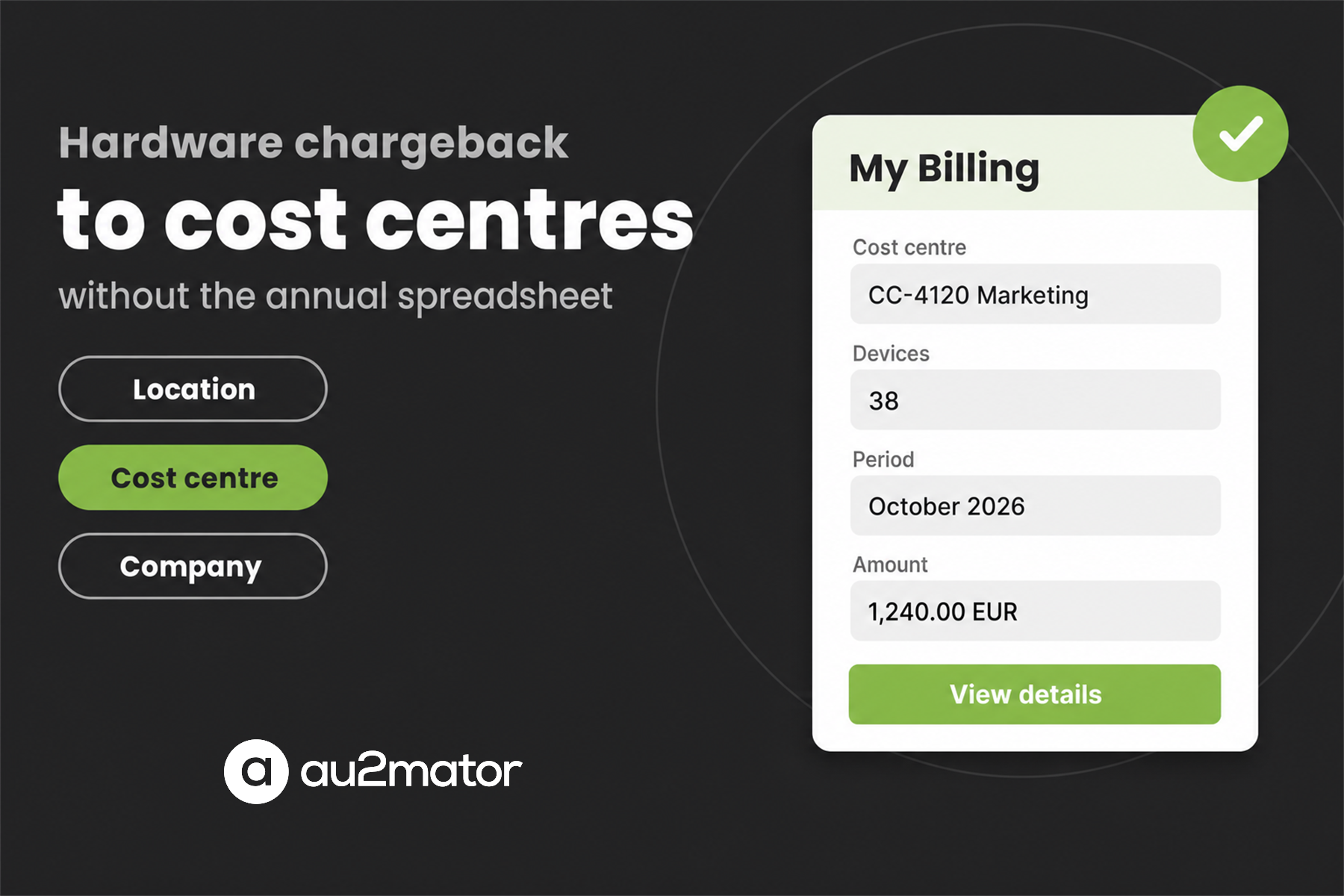
Cost centre owners, location owners — and end users, if you choose — open the portal and see what is about to be charged to them. Before it is charged.
They spot what is wrong, because they know things your asset database does not. A laptop handed back months ago. A device that belongs to another team now. A colleague who changed departments in June. And they can say so from that screen, without opening a ticket.
The data gets better for a reason that has little to do with software: the people who know the truth about a device finally have somewhere to put it.
What you need before you start
Chargeback is only as good as the asset data underneath it. Three things should be in place before the first run — and they are worth checking whichever tool you use:
- A device list that is actually complete. If it only contains what your management tool knows, the monitors, docking stations and phones are missing — and those are the items people notice first.
- A defined way to resolve the cost centre. From the user, from the location, or from the device itself. Decide the order of precedence before the first run, not after somebody disputes a charge.
- Somebody other than IT who may correct the record. If every correction has to pass through one person, you have rebuilt the spreadsheet with extra steps.
How au2mator does it
Asset Management in the au2mator Self-Service Portal covers exactly this. Rates and targets are configured once, billing runs produce per-device charge records with frozen values, and My Billing gives cost centre owners, location owners and end users their own view of what is coming — including a way to flag a device that is no longer theirs.
Devices come from your existing sources, including an Intune import, so you are not maintaining a second inventory next to the first. And because it sits inside the self-service portal, a correction can start a real process instead of an email.
Hardware chargeback in detail →
Asset Management overview ·
Importing from Intune ·
Book a demo call ·
Pricing