What service desk automation actually means
Service desk automation is usually defined as using integrations, rule-based workflows and increasingly AI to handle IT support processes without manual intervention. That definition hides two very different layers.
Ticket-flow automation is everything that happens to the ticket: intake, classification, prioritization, routing, SLA tracking, approvals, notifications, knowledge suggestions, closure surveys. This is what an automated ticketing system delivers out of the box.
Fulfillment automation is everything that happens in the systems the ticket is about: resetting the MFA method in Entra ID, adding the user to the AD group, setting the out-of-office reply in Exchange, assigning the Microsoft 365 license, restarting the server. This is where a person with elevated rights usually takes over.
Most “service desk automation” content, and most ITSM vendor roadmaps, live in the first layer. The second layer is where the time actually goes.
What an ITSM ticketing system automates, and where it stops
ServiceNow, Jira Service Management, ManageEngine, Freshservice and their peers are good at the flow. Depending on the license, you typically get:
- Multi-channel intake (portal, e-mail, chat) with forms and templates
- Automatic categorization and priority, more and more often AI-assisted
- Rule-based routing to queues and assignment groups
- SLA timers, escalations and breach notifications
- Approval workflows for service requests
- Knowledge base suggestions and self-service articles
- Status updates to the requester and satisfaction surveys
- Reporting on volume, response and resolution times
Here is where it stops. When the “add user to group” ticket lands in the right queue with the right priority, an agent still has to open Active Directory Users and Computers, find the group, add the member, confirm, go back to the ticket and write “done”. If the agent doesn’t have the rights for that group, the ticket bounces to second level. The ITSM tool has done its job perfectly, and the request has not moved an inch.
Larger platforms do offer orchestration modules that can run scripts against target systems. They work, but they are licensed separately, tied to one ITSM platform, and still need someone who writes and maintains the integration. We’ll come back to that option below.
The last mile of every ticket
Look at a standard service request through the lens of “who does the work”:
The manual step is expensive for three reasons that have nothing to do with the ticket tool.
The first is rights: first level often isn’t allowed to make the change, so the ticket is reassigned, and every reassignment adds waiting time and a context switch for someone else. The second is knowledge: even with rights, the agent needs to know where the setting lives in this particular system, this tenant, this OU, and help desk teams rotate, so that knowledge leaves with people. The third is consistency: ten agents do the same change ten slightly different ways, and auditors notice.
Ticket automation cannot fix any of the three, because the problem sits outside the ticket.
ITSM automation vs. service desk automation side by side
| ITSM ticket-flow automation | Service desk fulfillment automation | |
|---|---|---|
| What it acts on | The ticket record | Entra ID, AD, Exchange, Intune, Azure, servers |
| Typical trigger | New ticket, status change, SLA timer | Agent or end user submits a guided form |
| Who needs rights | Nobody, the tool updates its own database | A protected service account, not the agent |
| Result | Ticket is in the right place, with the right priority | The change is made and the ticket can be closed |
| Audit | Who touched the ticket | Who requested which change, with which parameters, and what the system returned |
| Owned by | ITSM tool admins | The team that owns the target systems (PowerShell, Azure Automation, Orchestrator) |
You need both. The question is only whether the second column is a person or a process.
Which requests to automate first
Not every ticket is worth a workflow. The ones that pay back fastest share four properties.
It’s frequent, showing up every week and ideally every day. It’s standardized: the steps are the same every time and only the parameters change, which user, which group, which mailbox. It has a low blast radius, so a wrong parameter is annoying rather than catastrophic, or an approval step catches it. And it’s blocked by rights: first level could do it in principle but isn’t allowed to, which is where automation removes an escalation, not just a few clicks.
Requests that tick all four boxes in almost every Microsoft shop:
- Password reset and account unlock
- MFA method reset after a lost or new phone
- Temporary Access Pass or one-time password in Entra ID
- Add or remove a user from a security or distribution group
- Assign or remove a Microsoft 365 license
- Set an out-of-office reply for an absent colleague
- Grant access to a shared mailbox
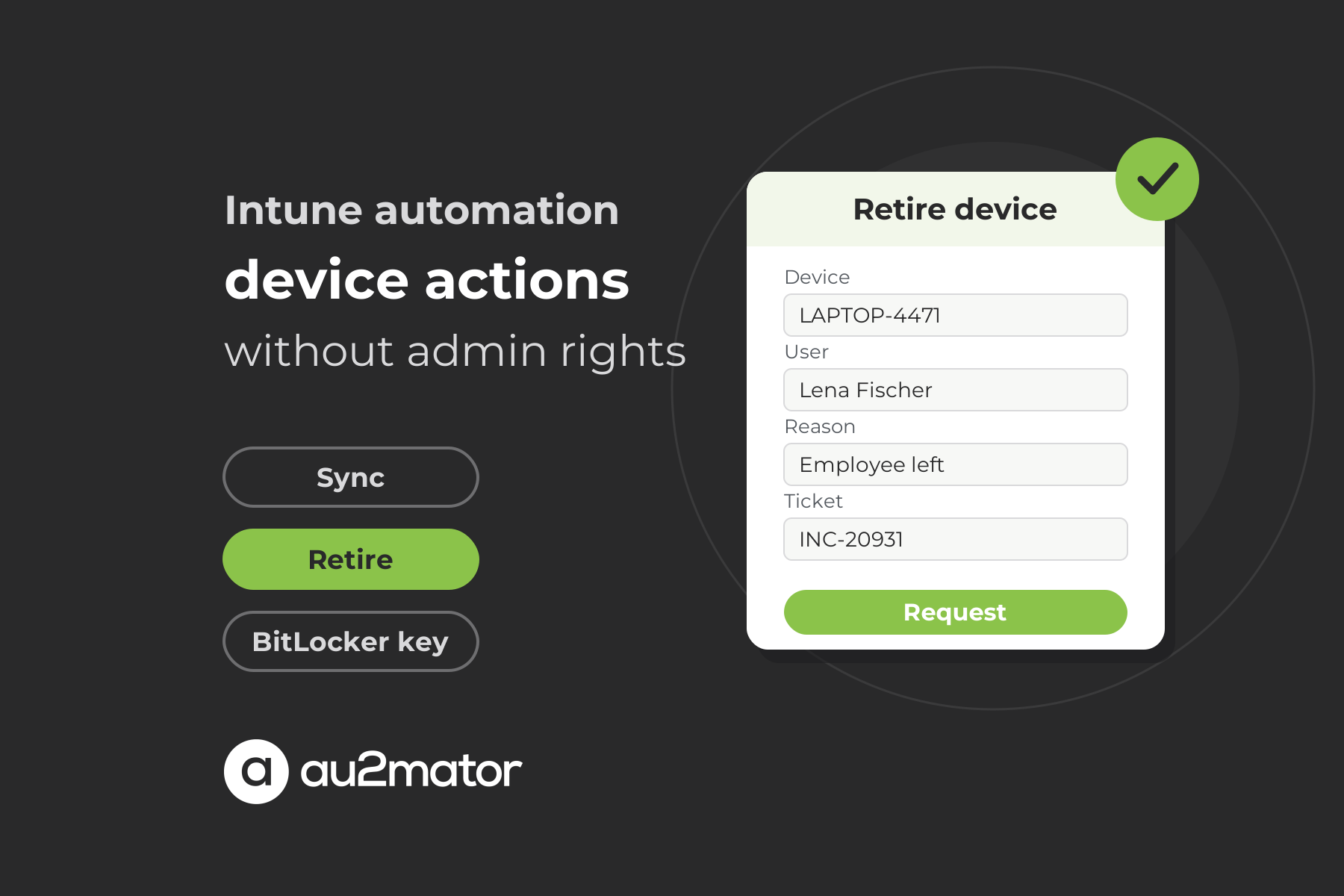
- Retrieve a LAPS or BitLocker key
- Restart a service or a non-production server
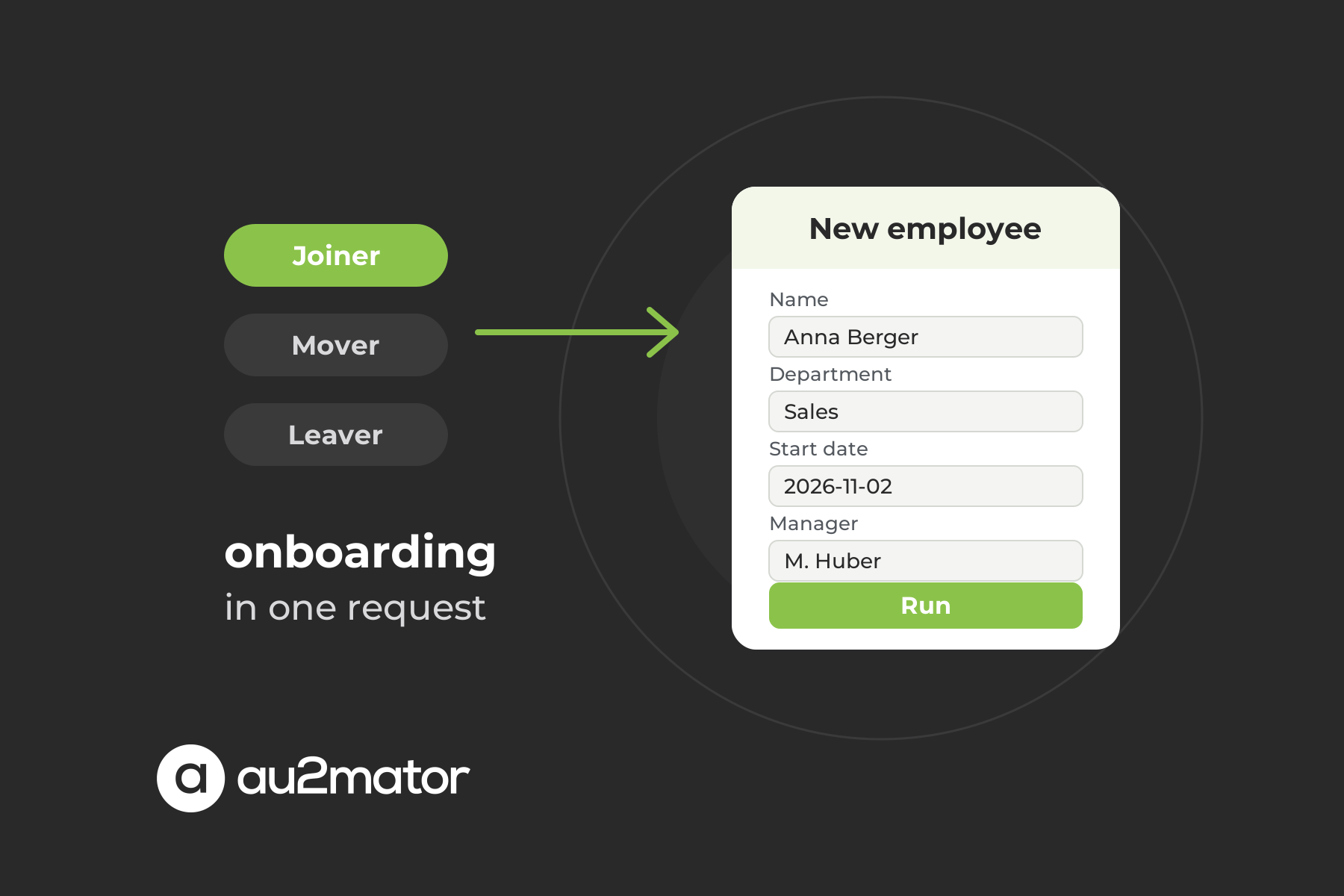
- Department change: new groups, new licenses, new mailbox permissions in one go
Pick three, not ten. Three well-built services that the help desk actually uses beat a catalog of thirty nobody trusts.
Three ways to close the gap
Once you’ve decided the last mile should be a process, there are three places to put it.
1. Scripts run by second level
Your admins already have PowerShell scripts for most of the list above. The ticket comes in, first level reassigns it, an admin runs the script, writes “done”. Cheap to start, but nothing has changed for the requester: the ticket still bounces, still waits, still depends on the one person who knows where the script is.
2. Orchestration inside the ITSM platform
ServiceNow, Jira and others can call scripts or APIs from a workflow. This closes the gap technically. The trade-offs: usually an additional license tier or rule-execution limits, integration logic that lives inside one vendor’s platform, and a second place where automation code has to be maintained by people who usually aren’t the system owners. For organizations already deep in one platform this can be the right call. For everyone else it’s a lot of platform for a group membership.
3. An automation portal in front of your existing engines
The third option keeps the ticket system as the system of record and puts a self-service portal in front of the automation you already own: PowerShell scripts, Azure Automation runbooks, System Center Orchestrator runbooks. The help desk agent opens the request in the portal, fills in a guided form, and a protected service account executes the change. The result flows back to the ticket.
How the help desk resolves tickets without admin rights
This is the model we built au2mator for help desk automation around, and it changes four things for a first-level team.
Guided forms replace consoles. Each service is a form with the questions the script needs: which user, which group, until when. The agent doesn’t need to know where the setting lives in Entra ID or Exchange. A protected service account executes the change. The agent triggers the action; the service account, scoped to exactly that task, performs it. Nobody on the help desk gets Group Admin, Exchange Admin or Domain Admin.
Approval sits where it matters. “Add to the finance share” can require a sign-off from the share owner before anything runs; “set out-of-office” doesn’t. And the change itself is audited, not just the ticket: every request is logged with who asked, which parameters were used, and what the automation returned.
The ticket system stays where it is. au2mator connects to your ticketing tool so automations can update ticket statuses and close tickets automatically once the change is done. The portal is not a second helpdesk; it’s the execution layer your ticketing tool never had.
If you want to see what that execution layer looks like on the automation side, our article on turning an Azure Automation runbook into a web frontend walks through the runbook, its parameters, and the form in front of it.
Worked example: the MFA reset ticket
Before. A user gets a new phone and can’t sign in. She calls the help desk. The agent creates a ticket, categorizes it “Identity / MFA”, and reassigns it to the identity team because first level has no rights in Entra ID. The identity team picks it up when they get to it, resets the authentication methods in the Entra admin center, updates the ticket. The user stays locked out until the identity team gets to the ticket, and two teams have touched a two-minute task.
After. The same call comes in. The agent opens the “Reset MFA methods” service in the portal, selects the user, confirms the identity check according to your policy, submits. A runbook resets the methods with a service account that holds exactly the Authentication Administrator role and nothing else. The ticket is updated with the result and closed. The user is back in before the call ends. The identity team never saw the ticket.
Nothing in that story required a new ticket system, a chatbot, or an AI agent. It required moving one well-defined action from “someone with rights” to “a process with rights”.
What to measure after 90 days
Service desk automation is easy to sell and hard to prove. Track these before you start and again after a quarter:
- First-contact resolution rate for the request types you automated
- Reassignments per ticket, the clearest sign of a rights problem
- Escalations to second level for those request types
- Time to resolution, measured from ticket creation to change confirmed, not to “assigned”
- Number of admin accounts held by help desk staff. This one should go down, and your CISO will care more about it than about any of the others.
FAQ: service desk automation and ITSM
No. An automated ticketing system automates the handling of the ticket: intake, categorization, routing, SLAs, notifications. Service desk automation in the broader sense also covers fulfilling the request in the target system, which ticketing tools usually leave to a person.
No. The ticket system remains the system of record. Fulfillment automation runs next to it, triggered by the agent from a portal or by the ticket itself, and reports the result back into the ticket.
Larger platforms offer orchestration or integration modules that can, usually as a separate license. It works well if you’re already committed to that platform and have people to maintain the integrations there. A separate automation portal keeps the logic with the system owners and works across ticket tools.
Not with a portal model. The agent triggers a predefined service; a protected service account with narrowly scoped rights executes it. The help desk never holds the privileged role itself.
Frequent, standardized, low-risk requests that currently bounce because of missing rights: password and MFA resets, group memberships, license assignment, out-of-office replies, shared mailbox access.
Using PowerShell scripts, often hosted in Azure Automation or System Center Orchestrator, as the execution engine behind service desk requests. A self-service portal turns the script’s parameters into a form, adds permissions and approvals, and runs the script with a service account.
Conclusion: automate the request, not just the ticket
ITSM automation decides where a ticket goes. Service desk automation in the full sense decides whether anyone has to go anywhere at all. If your first level still reassigns password resets, group changes and license requests, the bottleneck isn’t the ticket tool. It’s the last mile behind it.
If you want to check which of your top ten request types could be resolved on first contact, book a 30-minute call with Michael Seidl, Microsoft MVP and founder of au2mator. Bring last month’s ticket categories; we’ll go through them together.