The best Active Directory management tools, sorted by the problem they solve
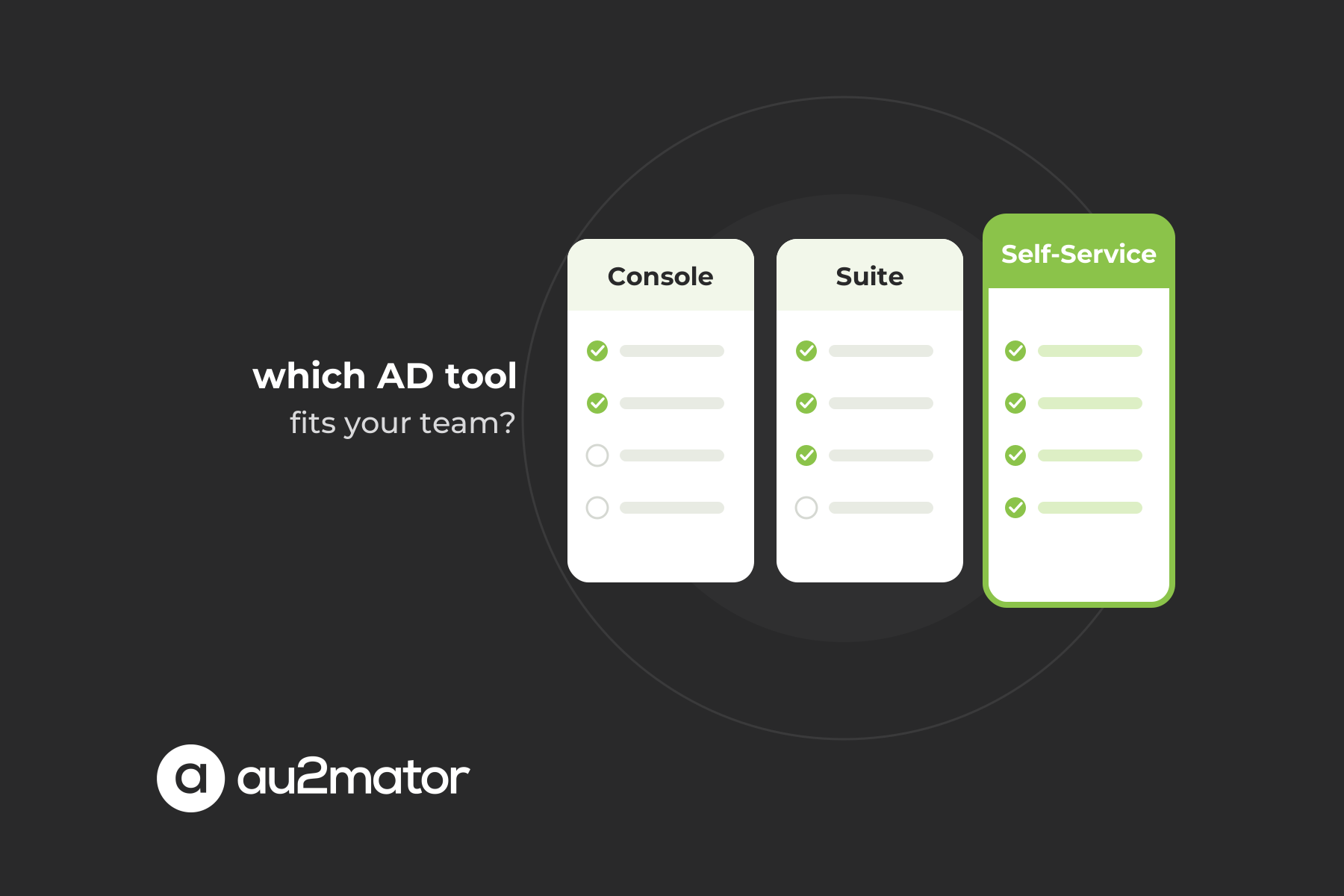
Search for the best Active Directory management tools and you get lists of eight to twenty products: consoles, scripting modules, suites and audit platforms, ranked as if they did the same job. They do not. This comparison sorts them by the problem each solves.
Every tool you meet falls into one of five categories. Native consoles are what Microsoft ships: Active Directory Users and Computers, the Administrative Center, the Group Policy Management Console. Automation engines turn repeated changes into code: PowerShell, Azure Automation, System Center Orchestrator. Management suites add a web console, lifecycle policies and their own delegation model. Audit and security tools answer who changed what and get you back to a known state after an incident. The fifth category, the self-service layer, is the one most lists skip: a frontend where people without admin rights trigger a predefined task while a service account does the work.
Whatever the category, four questions decide whether a tool earns its place: who can use it with which rights, which tasks it covers, how it handles approval and audit, and whether it reuses what you already own.
Native Microsoft tools: ADUC, ADAC, PowerShell and Group Policy
The Remote Server Administration Tools on Microsoft Learn bundle the Active Directory administration tools most of us grew up with. Active Directory Users and Computers (ADUC) is still the fastest way to look at an object, move it to another OU or fix a single attribute. Active Directory Administrative Center (ADAC) adds three things ADUC never got, documented in the ADAC overview on Microsoft Learn: a graphical Recycle Bin, fine-grained password policies, and the PowerShell History Viewer that shows the cmdlet behind every click. The Group Policy Management Console covers GPOs, and the Active Directory PowerShell module is the engine in disguise: Get-ADUser, Set-ADUser and Add-ADGroupMember are what every tool calls underneath.
They are free, supported and familiar to every admin. Their limits are the reason the other four categories exist.
- Whoever uses them needs real rights in the directory. There is no form, approval or parameter check between the person and the object.
- Delegation works through ACLs on OUs, scoped by tree position, not business rule. Our article on Active Directory delegation covers why that breaks down for help desk work.
- Nothing is repeatable by default. Every onboarding takes the same twelve clicks.
- Auditing is the Security log: it tells you a password was reset, not which ticket asked for it.
For a small admin team in a single domain, the native tools plus a folder of scripts may be all you need. The moment someone outside that team has to touch AD, they stop being enough.
Automation engines: PowerShell, Azure Automation and System Center Orchestrator
PowerShell is where repeatable Active Directory administration starts. A script that creates a user from an HR record, sets the groups by department and sends the welcome mail replaces thirty minutes of clicking.
Azure Automation runs the same scripts as runbooks with managed identities, schedules and a job history. With a Hybrid Runbook Worker as described on Microsoft Learn, they execute in your own datacenter and reach on-premises Active Directory as well as Entra ID and Microsoft 365. For hybrid shops this is often the engine that already exists.
System Center Orchestrator is the on-premises veteran: graphical runbooks with activities for AD, Exchange and SCCM, still in production at many enterprises because they encode years of process knowledge.
What all three share is a gap at the top. A runbook has parameters, but no form. It has a job log, but no requester. An admin or a schedule can start it, a help desk agent who should pick a user from a dropdown and click Run cannot. Engines are the right place for the logic and the wrong place for the people who trigger it. These three engines are exactly what au2mator runs on, which is why it appears in the table below without replacing any of them.
Commercial Active Directory management suites compared
Management suites are what most “best Active Directory management software” lists are about: a web console in front of the directory, their own delegation model, provisioning workflows and reports. The five in almost every comparison, plus the self-service layer they leave out:
| Tool | Focus | Delegation model | Automation | Typical fit |
|---|---|---|---|---|
| ManageEngine ADManager Plus | AD, Exchange and Microsoft 365 with web console and reports | Help desk roles inside the tool, technicians work in its web UI | Templates, scheduled tasks, approval workflow | Mid-sized teams that want a web console for first level plus reporting |
| Softerra Adaxes | Rule-based AD, Entra ID and Microsoft 365 administration | Security roles scoped to OUs or business units | Business rules, scheduled tasks, custom PowerShell, approvals | Teams wanting policy enforcement on every change plus a self-service portal |
| One Identity Active Roles | Enterprise AD and hybrid identity administration | Proxy model: all changes pass through Active Roles, native rights stay with the service | Policies, provisioning workflows, scripting | Large, regulated enterprises with many domains |
| Cayosoft Administrator | Hybrid AD, Entra ID and Microsoft 365 management | Rule-based roles in a web console built for hybrid tenants | Lifecycle rules, suspend and restore, schedules | Organizations mid-migration wanting one console for both directories |
| Netwrix Directory Manager | Group and user lifecycle, formerly Imanami GroupID | Group owners manage membership, dynamic groups by attribute | Attribute rules, expiration, attestation | Organizations whose main pain is group sprawl |
| au2mator Self-Service Portal | Self-service layer in front of your PowerShell, Azure Automation and Orchestrator scripts | Requester gets a form and a permission per service, never a right in AD; a service account executes | Your existing scripts and runbooks, approvals, request log | Help desk, team leads and end users who should trigger AD tasks without admin rights |
Three things to check before you buy a suite. Where the rights live: some keep native rights with a service account, others need delegated ACLs for their connectors. How your scripts fit in: most can call PowerShell, but part of your logic moves into their rule engine. What migration looks like: a suite becomes the way you administer AD, a project with training, not a download. Suites are built for lifecycle policies across HR, AD, Entra ID and Microsoft 365 at scale. If that is your problem, pick from the first five rows. If it is a queue of tickets a trained person could resolve in two minutes with the right form, read the last row.
Audit and security tools are a different job
Netwrix Auditor, ManageEngine ADAudit Plus, Lepide, Semperis and Quest Recovery Manager show up on the same lists, and they manage nothing. They collect change events across domain controllers, keep before-and-after values, alert on risky changes such as a new Domain Admin, and restore objects or forests after damage.
You want one of these regardless of how you administer AD. Just do not confuse it with a management tool: an audit platform tells you that the help desk reset the CFO’s password at 02:14 on a Sunday; it does not prevent the reset or require an approval.
The gap in most tool lists: au2mator, a self-service layer on the engines you already own
Count the AD tickets of a normal month: resets, unlocks, group memberships, shared mailbox access, new starters, leavers, contractor extensions. In most organizations these are well over half the queue, each predictable, each waiting for someone with rights. The consoles need those rights, the engines have no frontend for people without them, the suites make the technician work inside the suite, the audit tools watch.
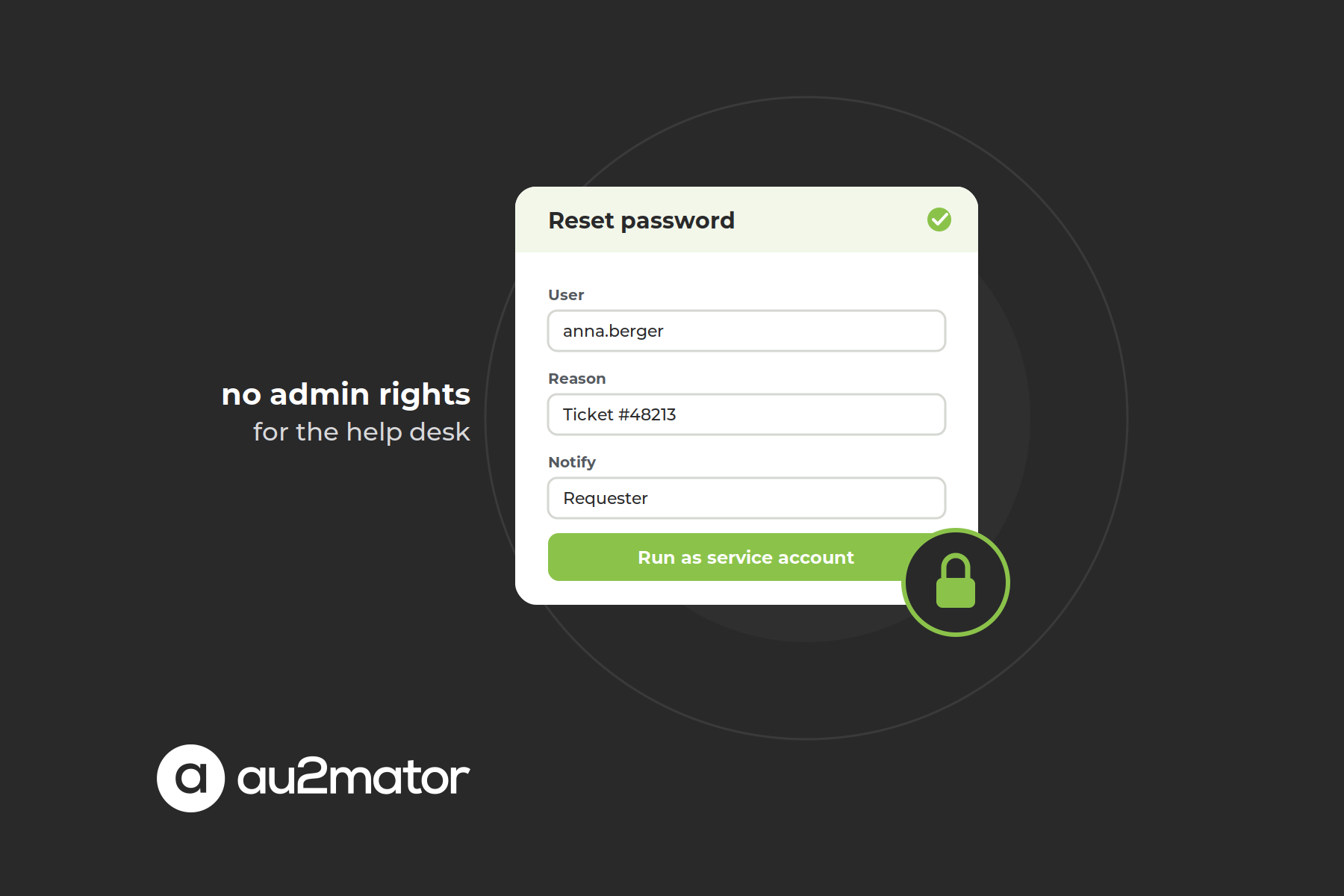
A self-service layer closes that gap: the person who needs the change gets a form, a permission model decides who sees which service, an approval is added where a task warrants it, and a service account with exactly the required permission runs the script and logs the request.
What a help desk service looks like in au2mator
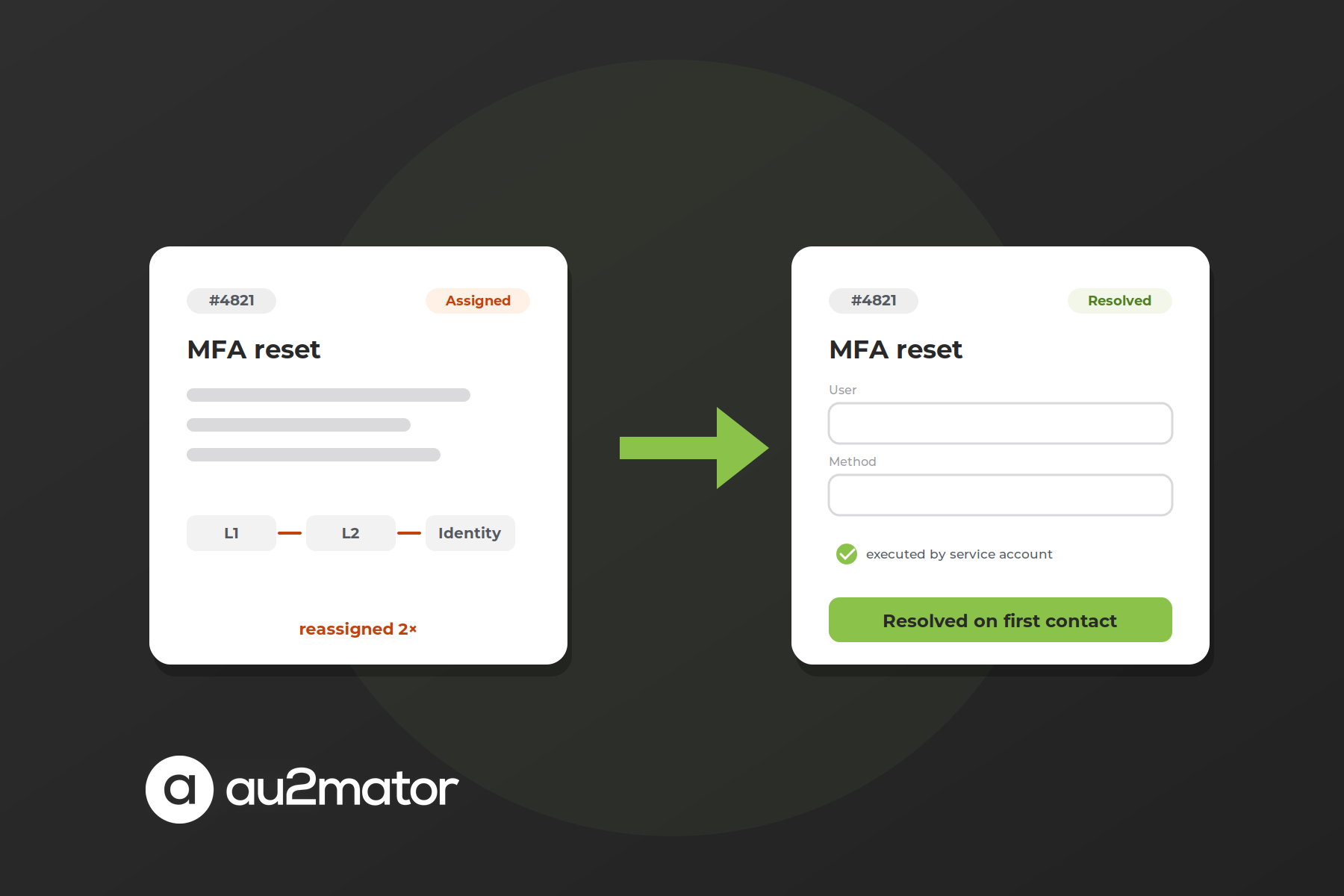
This is what the au2mator Self-Service Portal for help desk teams is built for, and the design decision that matters most is invisible in a feature table: it does not bring its own engine. Services are your PowerShell scripts, Azure Automation runbooks or Orchestrator runbooks, registered once with their parameters. Forms are generated from those parameters, with dropdowns from AD. Permissions decide who sees which service, approvals are optional per service, and the help desk resolves the ticket at first contact without a console. The result can be reported back to your ticketing tool, so the ticket closes with evidence.
It also keeps the tier model that Microsoft describes for AD DS intact: help desk accounts stay in Tier 2. A phished first-level account can open the portal and see some forms, and that is all.
Want to see which of your AD tickets could become an au2mator service? In 30 minutes, Michael Seidl, Microsoft MVP and founder of au2mator, walks through your ticket categories and shows how a form in front of your existing scripts would handle them.
How to choose: five questions
Who does the work? If only trained admins touch the directory, the native consoles and PowerShell are enough. If the help desk, team leads or end users need to trigger changes, you need a layer that gives them a button instead of a right: au2mator.
Is the task repeatable with fixed parameters? Open-ended console work by a site admin is a case for a scoped ACL. Anything you can describe as “user, group, until when” is a script waiting to become a service.
Do you already own an engine? If there is an Azure Automation account, an Orchestrator server or a folder of PowerShell scripts, the cheapest tool reuses it.
Do you need lifecycle policies across HR, AD and Microsoft 365? Joiner, mover and leaver processes driven from an HR system across thousands of users and several domains are the home turf of the suites. Below that scale, scripts behind au2mator cover the same ground.
Is the open question who changed what? Then you are shopping for an audit tool, whatever the other answers.
FAQ: Active Directory management tools
It depends on who does the work. Admins: the RSAT consoles and the Active Directory PowerShell module. Repeatable changes: PowerShell, Azure Automation or Orchestrator. Lifecycle policies at scale: a suite such as ADManager Plus, Adaxes, Active Roles or Cayosoft. Help desk and business users without admin rights: the au2mator Self-Service Portal on top of those engines.
au2mator is a self-service layer for Active Directory, Entra ID and Microsoft 365 tasks. It puts a web form with validated fields, permissions and optional approvals in front of your existing PowerShell scripts, Azure Automation runbooks or System Center Orchestrator runbooks; a service account executes, and every request is logged. It is the right tool when the help desk, team leads or end users should trigger AD changes without holding admin rights, and you want to keep the scripts you already have.
Yes. The RSAT admin tools (Active Directory Users and Computers, the Administrative Center, the Group Policy Management Console) and the Active Directory PowerShell module cost nothing. Several suites offer limited free editions, and au2mator offers a free Community Edition.
ADUC for quick one-off changes, ADAC for the Recycle Bin, fine-grained password policies and the PowerShell History Viewer, PowerShell for anything you do more than twice. All three require rights in the directory, so none is a help desk tool; that is where au2mator comes in.
By delegating the task instead of the permission. The help desk gets a form in a self-service portal, a service account with a narrowly scoped permission executes the script, an approval can be added per service, and every request is logged with its parameters. The help desk account holds no rights in AD.
Suites such as Cayosoft, Active Roles, Adaxes and ADManager Plus cover both directories in one console. Azure Automation with a Hybrid Runbook Worker reaches on-premises AD, the Microsoft Graph PowerShell module reaches Entra ID, and au2mator on top exposes both through the same forms.
Management tools change the directory: create users, reset passwords, manage groups. Audit and security tools watch it: who changed what and when, risky configurations, recovery of deleted objects. Most organizations need one of each; the audit tool does not shrink the ticket queue, a self-service layer such as au2mator does, and neither replaces forensics.
Conclusion: pick the layer, not the longest feature list
The best Active Directory management tools are not the ones with the most checkmarks but the ones that match who does the work. Admins get the native consoles and PowerShell. Repeatable changes get an engine, ideally the one you already own. Lifecycle policies at enterprise scale get a suite. Forensics get an audit tool. And the routine tickets that fill the help desk queue get au2mator: a form on top of your script, rights with a service account, an audit trail behind every click.
In practice that stack is small: the native consoles for admins, the engine you already own for the logic, au2mator in front of the ten most frequent tasks, and an audit tool watching the rest. Sorting your own ticket categories into those layers, and spotting which of your scripts could become a service tomorrow, takes about 30 minutes with someone who has done it a hundred times.
Book your 30-minute call with Michael Seidl, Microsoft MVP and founder of au2mator. Bring last quarter’s ticket statistics, leave with a list of the tasks your help desk could resolve tomorrow without admin rights.