What Active Directory delegation actually means
Active Directory delegation means giving a person or a team the ability to perform specific administrative tasks in AD without making them a member of Domain Admins or another privileged group. The task is narrow, and so should be the right behind it. There are two ways to get there.
Delegating the permission means writing an access control entry (ACE) on an OU that grants a security group a specific right on specific object types. The help desk account then works directly in Active Directory Users and Computers or PowerShell, and AD checks the ACL on every write. This is what the Delegation of Control Wizard on Microsoft Learn produces, and it is what “active directory delegation of control” usually refers to.
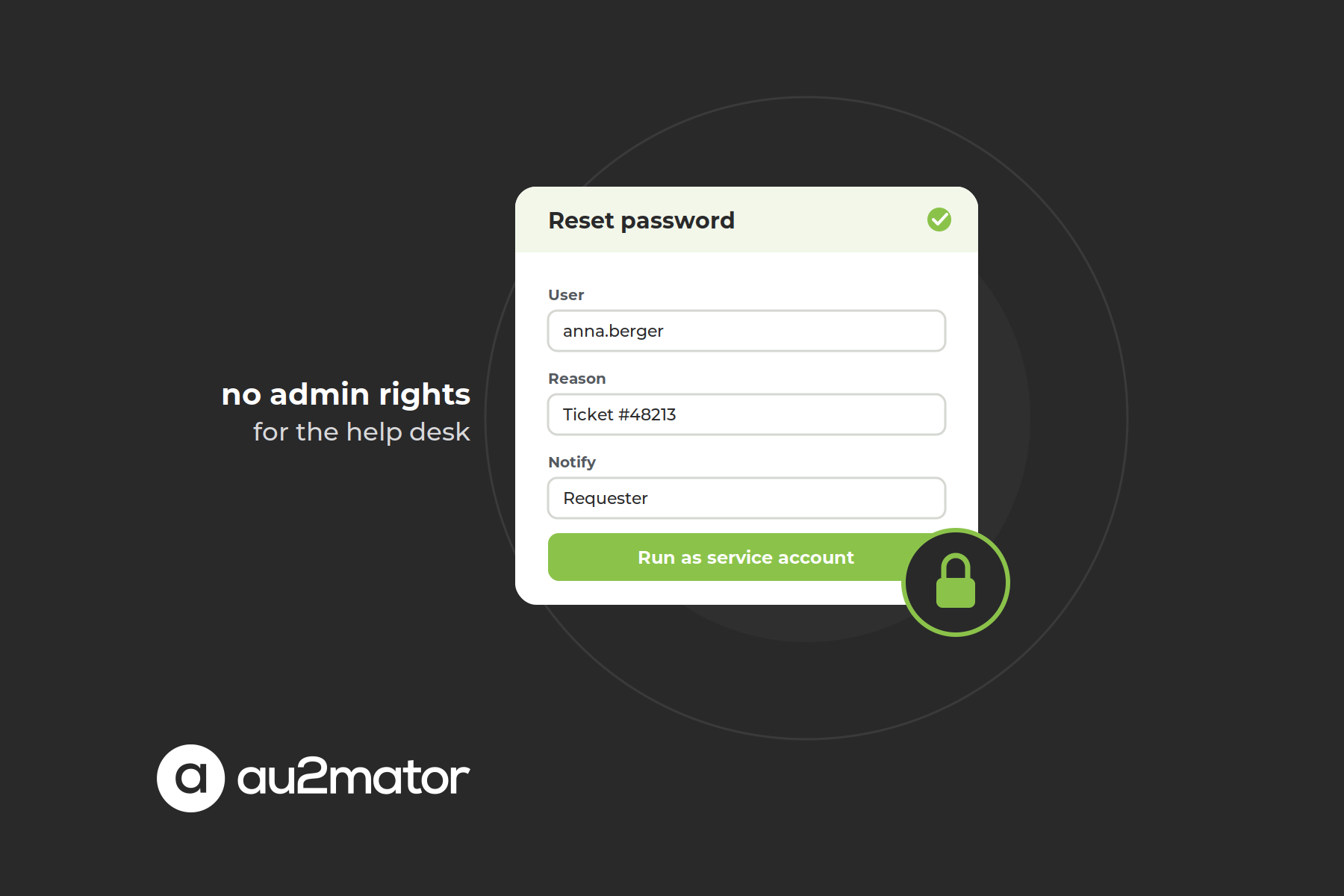
Delegating the task means the help desk never receives a right in AD at all. They get a form: which user, which group, until when. A service account with exactly the required permission executes the change, and the request is logged with all its parameters. This is delegated administration without delegated permissions, and the model behind most Active Directory automation.
Both are legitimate. The mistake is to use only the first one for everything.
The classic way: the Delegation of Control Wizard
Right-click an OU in Active Directory Users and Computers, choose Delegate Control, pick a group, pick a task. The wizard’s list of common tasks covers the usual first-level work:
- Create, delete, and manage user accounts
- Reset user passwords and force password change at next logon
- Read all user information
- Modify the membership of a group
- Join a computer to a domain
- Manage Group Policy links
The result is one or more ACEs on the OU, and this is the part people underestimate: the ACE is inherited by every matching object in the OU and every sub-OU, today and for every object created there in the future.
The wizard has no undo. It adds permissions; it does not remove them. Taking a delegation back means editing the ACL on the Security tab, using dsacls or Set-Acl, and knowing which ACE you are looking for.
Protected accounts ignore your delegation. Members of Domain Admins, Account Operators and other privileged groups are stamped every hour with the ACL of the AdminSDHolder object described on Microsoft Learn. Your help desk can reset every password in the OU except the admins’, which is correct but looks like a bug.
Built-in groups are too broad. Putting the help desk in Account Operators grants rights over almost every user and group in the domain, plus local logon to domain controllers.
Four places where permission delegation breaks down
Permission delegation fits open-ended work by trained people. It is the wrong tool for the routine, high-volume tasks that make up most help desk tickets, for four reasons.
Scope follows the OU tree, not the business. “Reset passwords for the Vienna office” becomes “reset passwords for everything under OU=Vienna”, including the site manager, the service accounts someone parked there in 2019, and every OU created underneath since. Every exception you carve out makes the next audit harder.
The right has no parameters. An ACE grants “reset password”. It cannot say “only after the identity check”, “not for service accounts”, or “notify the manager”. Those rules live in a document the new colleague has not read.
The console is the interface. The delegated person still works in ADUC or the Active Directory PowerShell module: RSAT, knowledge of where objects live, and a real chance of editing the wrong object.
It is standing privilege. The ACE is there at 3 a.m. on a Sunday, ticket or no ticket. In the tier model that Microsoft recommends for AD DS, help desk accounts belong to Tier 2 and must never hold rights that reach into Tier 0 or Tier 1. Phishing a help desk account with an inherited ACE pays out the whole subtree.
Delegate the task, not the permission
The second model asks “which task should the help desk be able to trigger” instead of “which right does the help desk need”, and builds that task as a service.
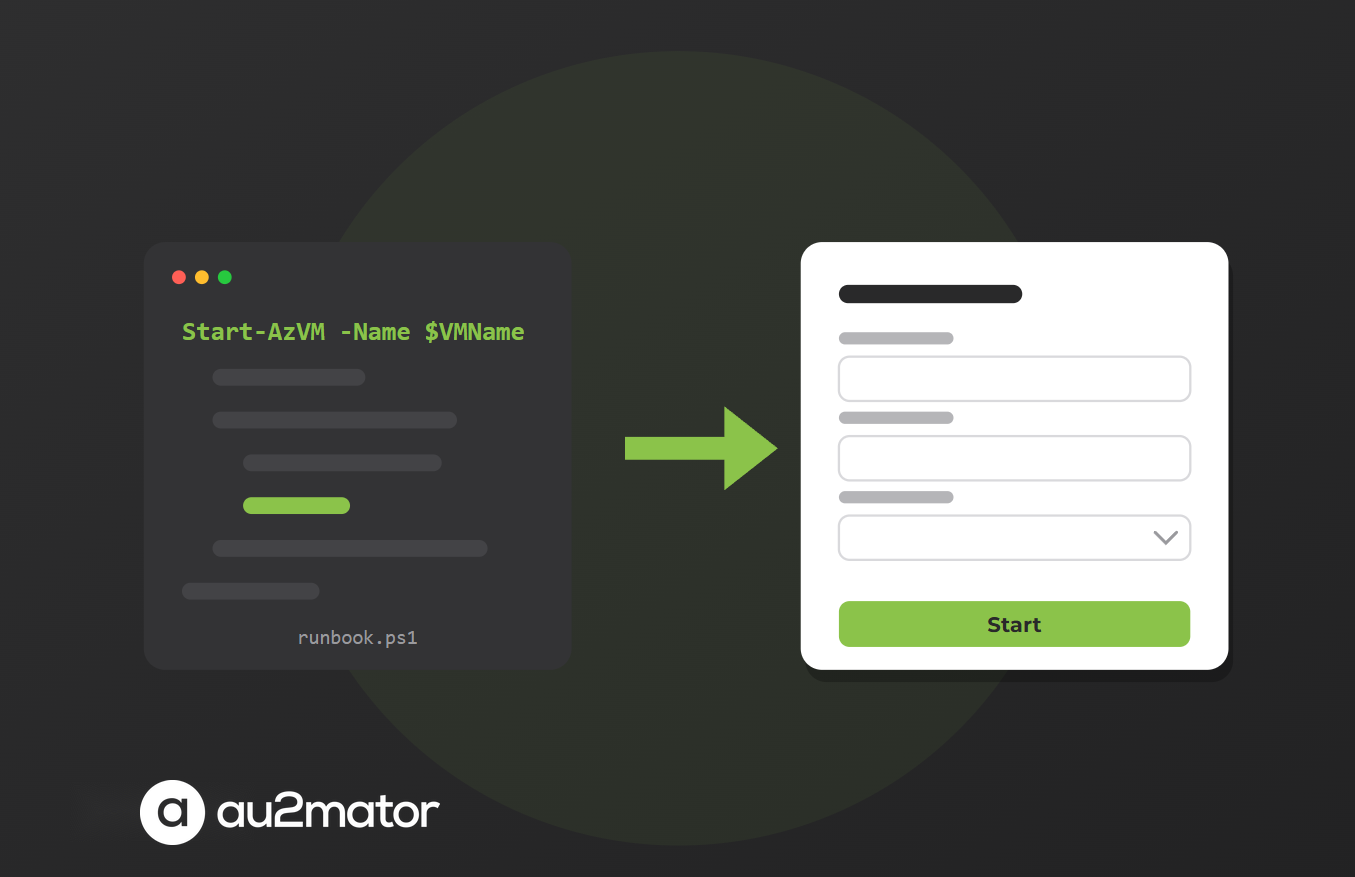
A service is a script or runbook with parameters: a PowerShell script for on-premises AD, an Azure Automation runbook for Entra ID and Microsoft 365, or a System Center Orchestrator runbook where that is already in place. A self-service portal turns the parameters into a guided form, decides who may see it, adds an approval step where the task warrants one, and runs the script with a protected service account. The help desk user holds no AD permission; the service account holds exactly one.
| Delegate the permission (ACE on OU) | Delegate the task (portal + service account) | |
|---|---|---|
| Who holds the AD right | The help desk group | One service account per task |
| Scope | OU subtree, inherited | Defined in the script: filters, exclusions, checks |
| Interface | ADUC, PowerShell, RSAT | Web form with validated fields |
| Approval | Not possible | Per service, optional, by owner or manager |
| Audit | Security log: who, what, when | Request log: who, what, parameters, approver, result |
| Undo | Edit the ACL by hand | Remove the user from the service |
| Best for | Open-ended work by trained staff | Frequent, repeatable tasks with clear parameters |
Notice what this does to the tier model. The help desk stays in Tier 2 with a normal account. The service account is the only identity with a right in AD, it never logs on interactively, and its credentials live in the automation engine. A phished first-level account has nothing to reach with.
This is the model we built the au2mator Self-Service Portal for help desk teams around, and it runs on the engines you already own: PowerShell, Azure Automation and System Center Orchestrator.
How to build an AD delegation model in five steps
Step 1: inventory the tasks, not the groups. List what gets done in AD outside the admin team: resets, unlocks, group changes, contractor accounts, computer joins. Three months of tickets usually yield ten to fifteen task types covering well over 80 percent of the volume.
Step 2: assign a tier to every task and role. Anything that touches Tier 0 objects (domain controllers, privileged groups, their members) is never delegated to the help desk. Everything else gets a tier and an owner.
Step 3: split the list. A task goes to the portal if it is frequent, has a fixed set of parameters, and benefits from validation or approval. A task stays a permission if it is open-ended console work by trained people, such as a site admin who runs an entire OU day to day.
Step 4: build both halves properly. For permissions: one security group per delegation, named for what it grants and where (DLG-Vienna-PasswordReset), applied to the narrowest OU that works, never to built-in groups. For services: one service account per task family with a single, narrowly scoped ACE, a script that validates its input and refuses protected objects, and a form that exposes only the parameters the help desk should choose.
Step 5: review every quarter. Export the ACLs of your top-level OUs and compare them with the documented model. Check the portal’s request log for services nobody uses and remove them. Unreviewed delegation turns into the permission sprawl you were trying to avoid.
Worked example: password reset and group membership for the help desk
Before. The help desk group has “Reset user passwords” and “Modify the membership of a group” delegated on OU=Users. A user calls, locked out. The agent opens ADUC, finds two accounts with a similar name, resets the wrong one, then the right one. An hour later a caller asks to be added to “FIN-SAP-Prod”, and the agent does it. Nobody approved it. The Security log shows two resets and one group change, nothing about tickets, identity checks, or the group owner who would have said no.
After. The help desk group has no ACE in AD. In the portal it sees two services. “Reset password” asks for three things: the user, picked from a list that excludes service and admin accounts; the ticket number; and a confirmation of the identity check. A service account with the reset right on OU=Users runs the script and sends the temporary password to the user’s registered mobile number. “Add to group” shows only groups flagged as delegable and routes sensitive ones to the group owner for approval. Every request lands in the log with requester, parameters, approver and result. The agent got faster, the auditor got answers, and the help desk account became worthless to an attacker.
If your ticket tool is the system of record for these requests, the portal can update the ticket with the result. We described that division of labor in service desk automation vs. ITSM ticketing systems.
Auditing delegated permissions
Whichever model you use, two questions must have an answer on demand: who can do what in AD right now, and who did what last month.
For the first, export the ACLs. Get-Acl "AD:\OU=Users,DC=corp,DC=local" | Select-Object -ExpandProperty Access lists every ACE on an OU, inherited ones included, with identity, right, object type and inheritance flags. Filter out the defaults and you have the real delegation model, which is rarely the documented one. Every ACE not attached to one of your DLG groups is a finding.
For the second, the domain controllers’ Security log is the source for permission delegation: 4724 for password resets, 4740 for lockouts, 4728 and 4729 for security group changes, 4720 and 4726 for user creation and deletion. For task delegation, the portal’s request log adds what the Security log cannot have: requester, parameters, approver and script output.
Finally, count the help desk accounts that carry any AD right. That number should go down every quarter.
FAQ: Active Directory delegation
Giving a person or team the ability to perform specific administrative tasks in AD, such as resetting passwords or managing group membership in one OU, without adding them to Domain Admins. It can be done by delegating a permission (an ACE on an OU) or by delegating the task through a portal that runs the change with a service account.
In Active Directory Users and Computers, right-click the OU, choose Delegate Control, select the security group and pick a common task such as Reset user passwords. The wizard writes the matching access control entries on the OU, and they are inherited by all objects below it.
Those accounts are members of protected groups such as Domain Admins or Account Operators. The AdminSDHolder process overwrites their ACL every hour, so delegated permissions on the OU do not apply to them. This is by design.
The wizard cannot remove permissions. Delete the specific ACE on the Security tab of the OU, or use dsacls or Set-Acl in PowerShell. With task delegation you remove the user from the service in the portal; the permission stays with the service account.
No. Account Operators can manage almost all user and group accounts in the domain and log on locally to domain controllers. A specific right on a specific OU, or a task run by a service account, gives the help desk what it needs with a fraction of the exposure.
Yes. The help desk user triggers a predefined service in a self-service portal. A protected service account with a narrowly scoped permission executes the change, optionally after an approval, and the request is logged with its parameters. The help desk account holds no rights in the directory.
Export the ACLs of your top-level OUs with Get-Acl or dsacls, filter out the defaults and compare the rest with your documented delegation groups. For activity, collect Security log events 4724, 4740, 4728 and 4729 from the domain controllers, plus the portal request log for task-based delegation.
Conclusion: delegate the task, keep the rights
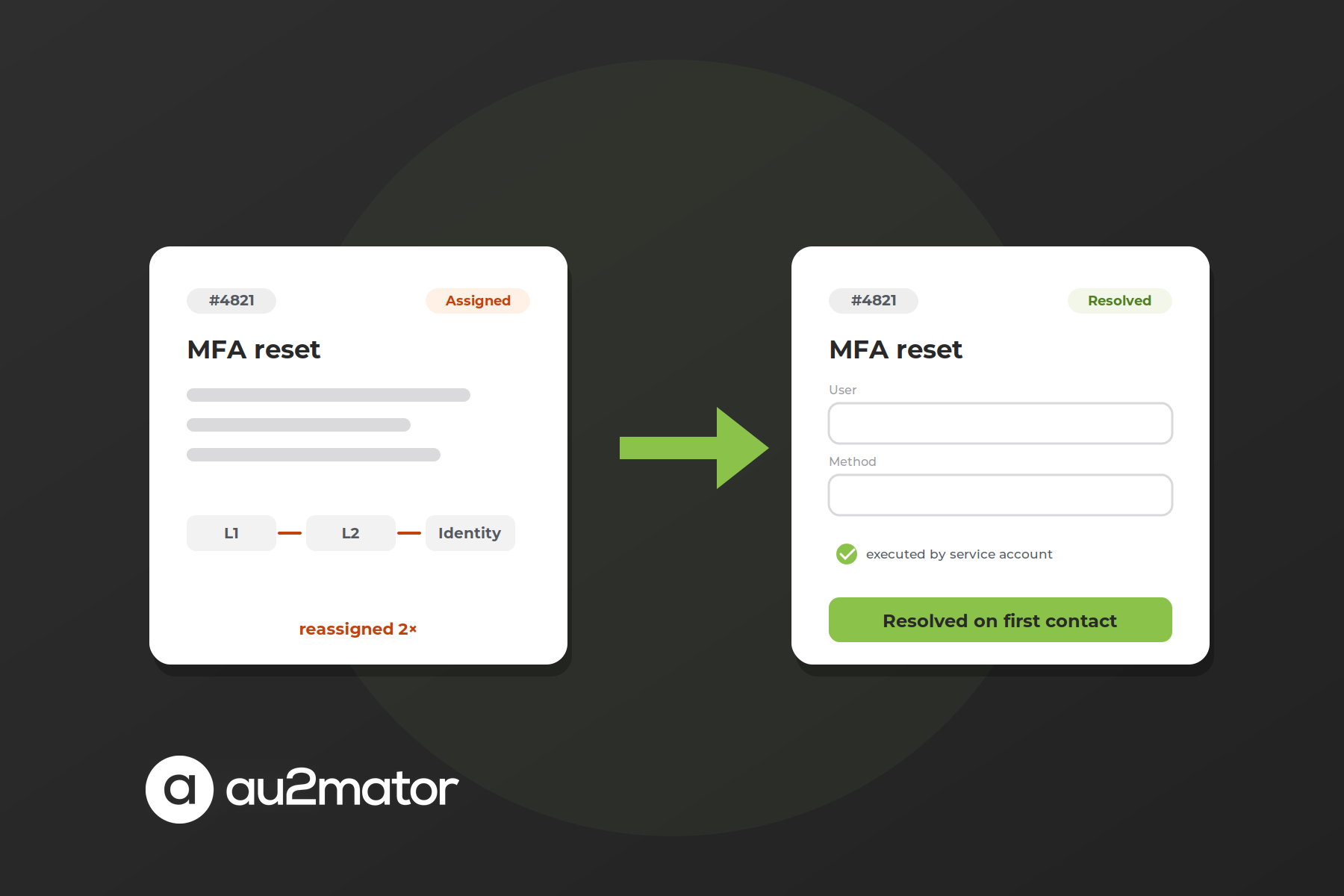
Active Directory delegation is not a wizard. It is a decision about where rights live. Open-ended work by trained people gets a narrowly scoped ACE on a well-designed OU. Everything frequent, parameterized and ticket-driven gets a service: a form for the help desk, a service account for the execution, a log entry for the auditor. Done that way, the help desk resolves more on first contact, the tier model holds, and the next access review takes an hour, not a week.
If you want to go through your own list of help desk tasks and decide which belong in which model, book a 30-minute call with Michael Seidl, Microsoft MVP and founder of au2mator, and bring your ticket categories from last quarter.